Top Picks
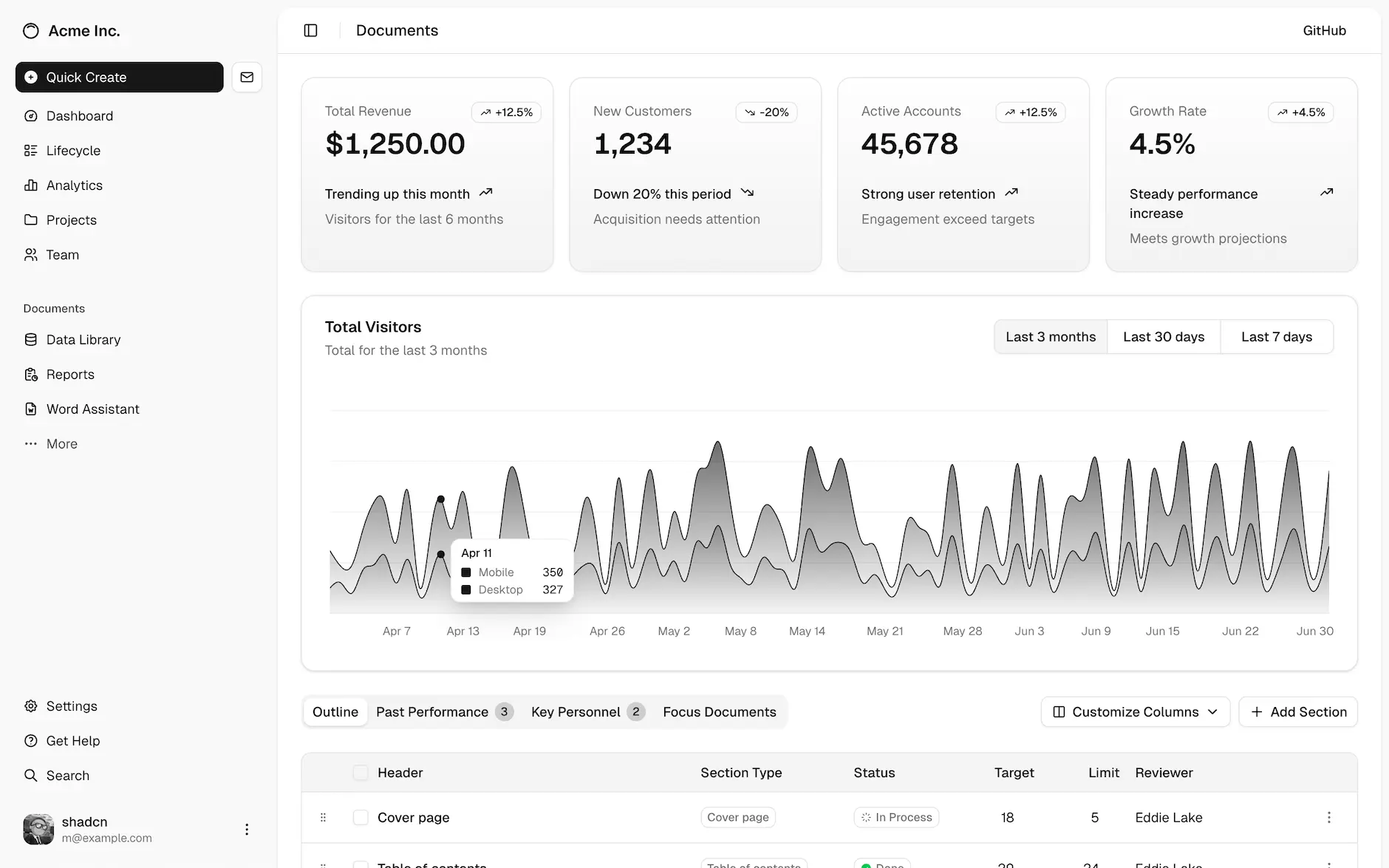
ShadCN UI
- Tailwind CSS를 기반으로 한 Radix UI + react-aria 구성
- 디자인 시스템과 headless 접근을 조합해 높은 커스터마이징 가능성
- 컴포넌트를 “복사해 프로젝트에 설치”하는 방식으로, 의존성 없이 완전한 소유권 확보 가능
- 실용성과 미니멀리즘을 추구하는 최신 React 생태계에 적합
Chronology (간단 역사)
React UI 라이브러리는 2015년 Material UI(MUI)를 시작으로 본격 확산되었으며, 이후 Chakra UI(2020), Mantine, Radix UI 등 다양한 스타일 철학을 담은 도구들이 등장했다. ShadCN UI는 2023년 Radix + Tailwind 기반의 “복붙해서 쓰는” 방식으로 등장해 개발자들에게 높은 자유도와 통제력을 제공하며 급속히 확산되었다. 디자인 시스템 + 스타일 프리미티브 + 접근성 기반의 모듈형 UI가 주류가 되면서 headless component + 유틸리티 기반 CSS(Tailwind)의 조합이 대표 트렌드로 자리잡았다.
Alternative Comparison (유사제품 비교)
| Name | Key Features | Stacks or Dependency | Pricing |
|---|---|---|---|
| ShadCN UI | Headless, Tailwind 기반, Radix UI + react-aria 사용, 컴포넌트 복붙 구조 | Tailwind CSS, Radix UI | Free |
| Chakra UI | Theme 기반 스타일 시스템, 접근성 우수, props 기반 스타일 커스터마이징 | Emotion, Styled System | Free |
| Material UI | Google Material Design 구현, 테마 시스템, 강력한 컴포넌트 세트 | Emotion, Material Design | Free + Pro |
| Mantine | 다양한 컴포넌트 + 폼 기능 내장, 스타일링은 inline과 클래스 병행 | CSS-in-JS, Emotion | Free |
| Ant Design | 기업용 대규모 UI 세트, 정형화된 디자인 시스템 | Less, Alibaba Design System | Free |
| Radix UI | Primitive만 제공하는 접근성 중심 headless UI 라이브러리 | React, Unstyled | Free |
| NextUI | Flat/Glassmorphism 기반 스타일, 기본 디자인이 매력적 | Styled System | Free |
React 기반의 shadcn-ui 사용법
shell
# 0. Node와 npm 버전 확인
node -v
npm -v

# 1. Next.js 최신 프로젝트 생성
npx create-next-app@latest my-app
cd my-app

# 2. Tailwind CSS + PostCSS 설정
npm install -D tailwindcss postcss autoprefixer
npx tailwindcss init -p

# 3. Tailwind 설정 (tailwind.config.js 수정)
#    content에 아래 경로 추가
#    './components/**/*.{js,ts,jsx,tsx}',
#    './app/**/*.{js,ts,jsx,tsx}'

# 4. global CSS에 Tailwind 지시어 추가 (e.g. styles/globals.css 또는 app/globals.css)
#    @tailwind base;
#    @tailwind components;
#    @tailwind utilities;

# 5. Git 초기화 및 shadcn/ui 설치 전 준비
git init

# 6. shadcn/ui 초기화
npx shadcn-ui@latest init

#    → 옵션에서 사용 기술 선택 (e.g. app router vs. pages router)
#    → 컴포넌트 디렉토리 위치 지정 (e.g. components/ui)
#    → Tailwind 설정과 프로젝트 구조 반영됨

# 7. 필요한 컴포넌트 설치 (예: button, input 등)
npx shadcn-ui@latest add button
npx shadcn-ui@latest add input
npx shadcn-ui@latest add card

# 8. 실행
npm run dev